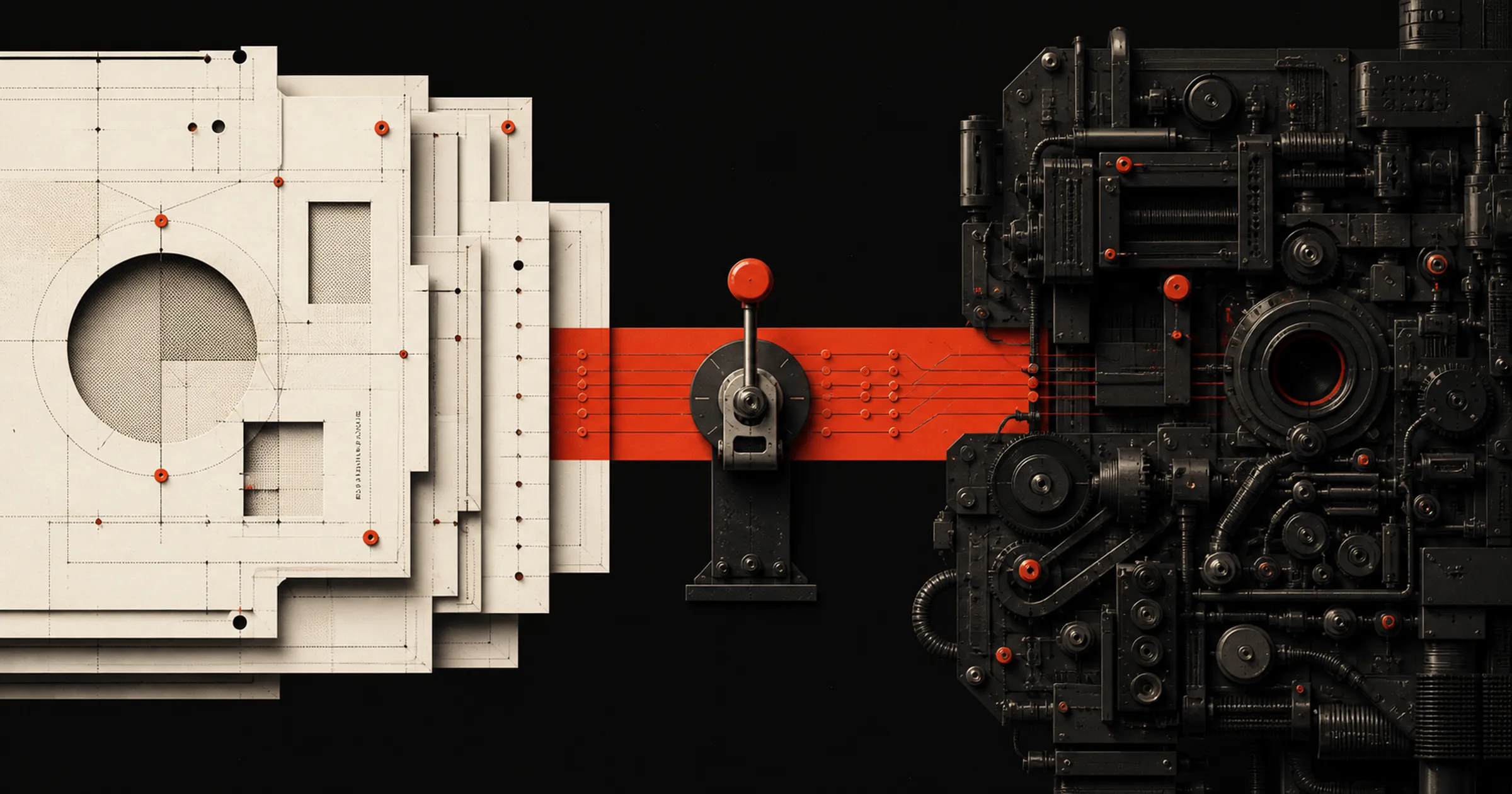
Last month I deployed a new pipeline for a client in HubSpot. 60 properties, 15 workflows, new deal stages, routing, etc. It automated an entire sales and onboarding pipeline. And it came out of one conversation with Claude.
That sentence makes it sound like AI did the project from start-to-finish. It didn’t. It did the execution.
Where the time actually went
Before I opened Claude I had a requirements doc. That doc came from client calls, meeting transcripts, a pile of questions about how their product works, and then a couple hours of me sitting there rewriting it until it was right. By the time I pasted anything into a chat window, every real decision was already made including: what each stage means, who owns the deal at each one, what happens when a lead comes in from a partner instead of a form, and so on. Also, very important: which of their existing workflows, properties, and data I was allowing the project to touch and which ones I wasn’t.
The build was maybe 20% of the hours on that part of the project.
I do the same thing when I build tools for myself. I open a page in Notion, ask Notion AI to do a research pass on whatever I’m making and find similar ideas I can steal from, then I turn Wispr Flow on and just ramble about what I want the resulting experience to be like. Notion AI combines the research and my rambling into a spec. Then I read it, argue with it, cut a ton of it, and add important parts I forgot. That’s usually a few hours or multiple working sessions when I come back to it with fresh eyes. And it’s where almost all of my time goes, because what I’m building is a copy-pasteable prompt that’s basically perfect by the time it hits Claude Code, Gumloop, or any other AI tool I’m using for execution.
Then I paste it in, flip on bypass permissions, and go do something else. When I come back, I spend maybe a quarter of the spec time fixing bugs and adding things I didn’t think of or became apparent when I saw the output.
I think, the AI works, I check the output.
(Realistically, the AI helps me think and that “I think” step is a dialogue with AI)
Unfortunately, what you see with many when they start using AI is:
AI thinks, AI works, no one checks output.
Asking AI what to build gets you an average answer, fast
They describe a mess and ask what to do about it. They get an answer. It’ll be reasonable. It’ll also be the median of everything ever written about that problem on the internet, which is not the same thing as the right call for a 30-person B2B company with two salespeople, a weird partner channel, and a CRM with outdated information and bad architecture.
Claude will build whatever you tell it to, including the wrong thing. And if you hand it write access to your CRM while you’re still figuring out what you want, it will happily wreck automation that somebody depends on, because it misread one line of your instructions.
Bazlur Rahman said it better than I would in a piece about writing specs before you let AI build:
A good spec shapes the implementation. A weak spec gives the model permission to improvise.
That’s a post written for Java teams and it maps straight onto GTM work, personal projects, and really anything more complex that a quick answer you’re trying to get out of AI. Improvising is fine when you’re drafting an email. It’s not fine when the thing improvising is driving your company’s strategy or processes.
So I use it for labor. The strategy is still mine and it comes out of my experience and the context of my client’s business, not the model itself.
What makes this safe enough to actually do
Two things.
One, I don’t let AI push changes into a live system without showing me a written plan first. For example, in HubSpot I use Daeda AI for this, which lists out exactly what it’s about to create and what existing data it’s going to touch. I read it, then I approve it. That’s the only reason I’m comfortable leaving connectors on “always allow” and letting it keep working in the background while I do something else. Without that step, using AI as the execution layer of your workflow is simply dangerous.
Two, I make it argue with itself. Asking “how could you be wrong?” after you get an answer you like is the highest-value 10 seconds anyone can add to their workflow. I put that step inside automations too, not just chats. Have it approach the decision a second way, then produce a new version based on the original and the second pass. It catches a lot.
The rest is QA. My team spends their time there and nowhere else, and that’s on purpose. Going faster is only worth something if the thing you shipped is still right. Ideally the output is better than what AI and humans could deliver alone and at a faster rate.
If you want to try it
Start with something small. Pick a task you were going to do or have AI help you on and before you get into even doing it, collaborate with AI on what you’re eventually going to ask AI to do. Be clear about that being what you’re doing.
I love just using WisprFlow to dictate and just ramble a bunch about what I’m looking for. Then go back and forth with it like 5-10x more than you usually would or feel comfortable with to refine the document or prompt you’re building. Then open a new chat and execute that instead.
I guarantee you’ll be shocked at the difference in quality of your output.
Reporting is the clearest example of what this does to a whole software category. I haven’t built a report in a BI tool in six months, and I explain why in BI tools are dead, your CRM is fine.