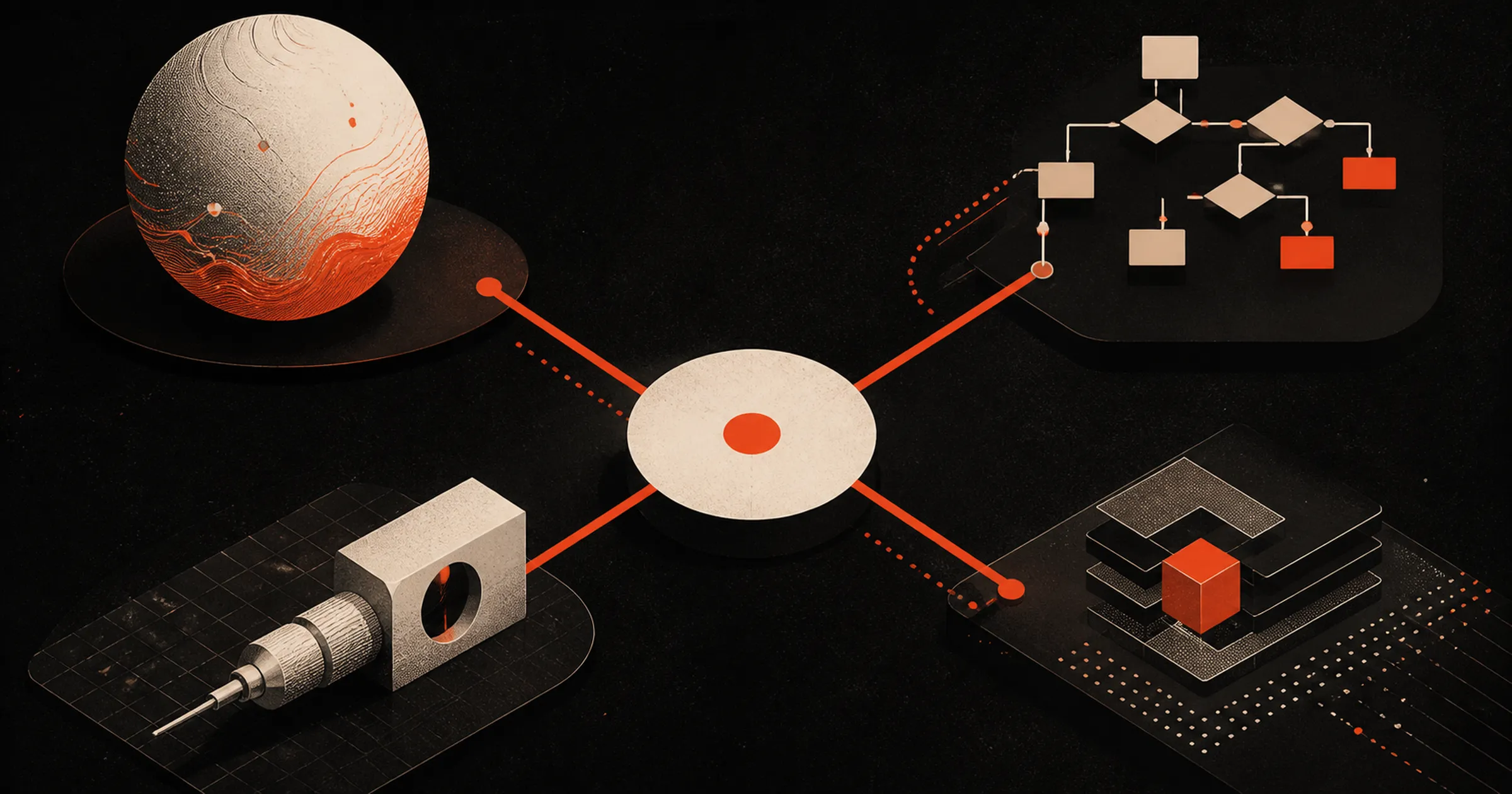
I get asked what AI tool someone should be using multiple times a week. People want one name. Is Claude in the lead? ChatGGPT? I never have one, because I reach for something different depending on the job, and after a couple years of doing this all day the tools have sort of sorted themselves into four buckets in my head.
Here’s how I break it down.
1. General-purpose models
Claude, ChatGPT, Gemini, whatever you like. This is where I spend most of my time. They’ll do a little of everything but they’re not specialized, so you usually have to point them at whatever else you want them working with.
I use these when the problem is single-use. If I’m going to do the same thing over and over, I go to the next bucket, unless something scheduled will cover it.
I think my big comment here is to not worry so much about who’s in the lead. Get used to using one of the tools for your workflow for a while and then experiment with different use cases for different tools after you’ve mastered one.
I currently have subscriptions to both Claude and ChatGPT but my usage is different between the two. I have a Max plan ($100/mo) with Claude and a Pro plan with ChatGPT ($20/mo, mostly for the image generation and sometimes browser use).
2. No-code workflow builders
n8n, Make, Gumloop. Gumloop’s the one I’m using most.
Two reasons to come here. One, you need a real trigger, something more than “run at 9am.” Two, you need the exact same thing to happen the exact same way every single time. A general model might take a different route to the answer on Tuesday than it took on Monday (a specific prompt can help but it’s not perfect), and for a lot of work that’s fine, but sometimes you need more consistency and more options for triggers.
Albato has a gut check for this that I’ve started using on myself:
If you can draw the whole process as a flowchart with every branch labeled in advance, you want workflow automation, not an agent.
Usually I hit that question about ten minutes after I’ve talked myself into building something fancier than the job actually needs.
The other thing these are great for is tools that don’t have an AI integration yet. Drop the API docs into Gumloop, have it build the action, and now you have a step you can reuse forever. The learning curve is higher than just chatting with Claude, but some of these have gotten a lot friendlier, Gumloop especially.
3. Specialists that do one thing really well
Gamma for decks and quick sites, that kind of thing. I still use it consistently.
I also think this is the bucket most likely to get eaten by the big players. Can Claude Design make me a deck now? Do I still open Gamma? Also yes, mostly because it’s already baked into how I work. I figure something general takes this over for me eventually and I won’t fight it much when it does. I’m about 60/40 with Claude Design vs Gamma use now.
Then there’s a sub-bucket of specialists I don’t think are going anywhere. Wispr Flow is the obvious one for me. I don’t know who unseats it. It saves me time every single day and I wrote most of this post with it. 250k total words written with it at 160 words-per-minute. I type fast. I can’t even come close to my WisprFlow WPM.
Same bucket for anything hyper-specific where you just can’t get that tailored an experience out of a general model or a workflow builder. NotebookLM and ElevenLabs are two that I’ll use for their specific use cases (both for generating AI audio, NotebookLM sometimes for visualization but I usually lean Claude).
4. AI inside the tool you already live in
For me that’s Notion. If I want to think something through, I’m in Claude or ChatGPT. But if the whole point is to build or edit documents, or move around my project tasks and timelines, doing it right inside the tool beats running a general model through an MCP into my docs. It’s just less friction.
Could get unseated down the road. Right now it’s its own thing for me.
For a while I had an interesting benefit of getting around usage limits with Claude and ChatGPT because they actually let you use the most recent models of both with Notion AI, as well as Google and a few others, with no cap. That changed as of early August but still has generous usage allowed within the $20/mo plan.
What this is actually good for
The buckets aren’t the interesting part. The interesting part is that once you have them, “which tool should I use” stops being a shopping question and becomes two quick questions about the work.
How often does this happen? Once, or every Tuesday forever? Once means general model. Forever means workflow builder.
Does it have to come out identical every time? Billing, contracts, anything customer-facing that has to be right, that’s a builder. Thinking, drafting, research, one-off analysis, that’s a model.
That’s most of it. The rest is whether you already have a specialist you like for that job, and whether the tool that owns the data can just do it for you.
The part people get wrong
Most of the AI stalling I see at small companies isn’t a tool problem. Somebody picked one platform, told the team to use it for everything, and now half the company is trying to force a general chat model to do a job that needed a trigger and a fixed output. Or the reverse, somebody built a 14-step automation for a thing that happens twice a year.
I’d rather have four tools that each do their job than one that sort of does all four. But that also means you need to enable your team with the resources to learn how to use multiple new categories of tools. If you could use some help there, book some time with Kevin!