
Why Your Conversion Rate Analysis Is Setting You Up to Fail
Most B2B founders calculate conversion rates wrong by comparing stages within a single month. Learn how cohort-based, time-bound analysis reveals what's actually happening in your funnel.
REVOPSFUNNEL METRICSPIPELINE MANAGEMENTCONVERSION RATES
Kevin Stout
3/17/20262 min read
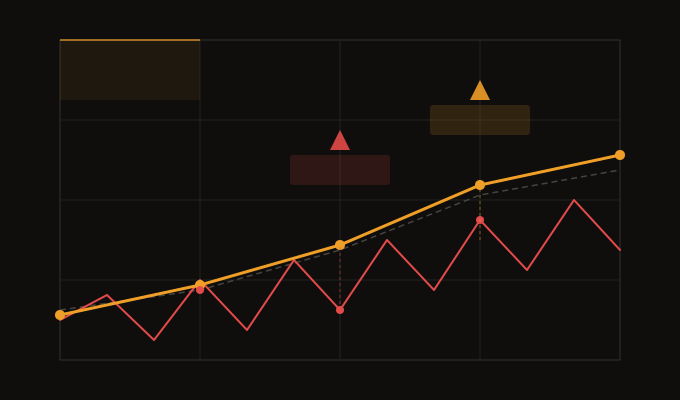
If you're an early-stage founder tracking your sales funnel, there's a good chance you're making a critical mistake that's causing you to chase phantom problems.
Here's what I see constantly: teams pull up their metrics dashboard and look at leads generated this month, demos held this month, contracts sent this month, and deals closed this month. They calculate conversion rates between these stages and call it their funnel.
The problem? This only works if your entire customer lifecycle happens within a single month.
For some businesses with ultra-short sales cycles (think a few days), this might be fine. But for the vast majority of B2B companies, your customer journey spans weeks or months. When you ignore this timing reality, you end up comparing apples to oranges and creating panic over problems that don't actually exist.
The Right Way to Track Conversion Rates
The fix is surprisingly straightforward: cohort your conversion rates based on the stage date, not the current month.
Instead of looking at "demos held in February → closes in February," you need to track:
Leads generated on X date → demos set
Demos set on Y date → demos completed
Demos completed on Z date → contracts sent
Contracts sent on W date → deals closed
Each stage gets its own cohort report based on when that particular milestone happened. This lets you compare actual apples-to-apples conversion rates across time periods.
But Wait, There's Another Layer
Even cohort analysis isn't perfect if you're not accounting for lifecycle maturity.
Let's say your average time from demo to close is 45 days. If you compare the demo-to-close rate for demos set this month versus demos set two months ago, you'll always see a massive drop-off in the current month. Why? Because this month's demos haven't had 45 days to convert yet.
This sounds obvious when you read it, but when you're in the thick of monthly reporting cycles, it's incredibly easy to miss. You see the current month's conversion rate drop and immediately assume something is broken.
Time-Bound Comparisons: The Final Piece
The solution is to compare conversion rates within the same time windows. If you're on February 15th and want to understand how your February demos are performing, don't compare them to the full conversion rate from December demos. Instead, compare:
February demos (days 0-15) → to December demos (days 0-15 post-demo)
February demos (days 0-15) → to January demos (days 0-15 post-demo)
For December 1st demos, you'd look at what happened between December 1-16. For December 2nd demos, you'd look at December 2-17. And so on.
This gives you a fair comparison and helps you spot real trends versus lifecycle artifacts.
The Bottom Line
Yes, this is more complex than dividing this month's closes by this month's demos. But the alternative is worse: you'll waste time solving problems that don't exist, or worse, you'll miss real issues because your metrics are masking them.
The good news? Once you build these reports correctly, they can be automated. You set them up once and then you have reliable, accurate conversion data that actually helps you make better decisions.
The good news: I have a quick tool (if you have HubSpot, email me if you want me to connect it to something else) that can visualize this information in 15 minutes if we jump on a quick call. Get on my calendar and we can check it out!
Stop oversimplifying your funnel metrics. Your future self (and your team) will thank you.